
Reward display options
Customize how rewards render in the cart drawer.
Most of these options are in Cart Editor → Rewards → General Settings. The ones marked Advanced appear after you click Show Advance Settings.
Empty cart
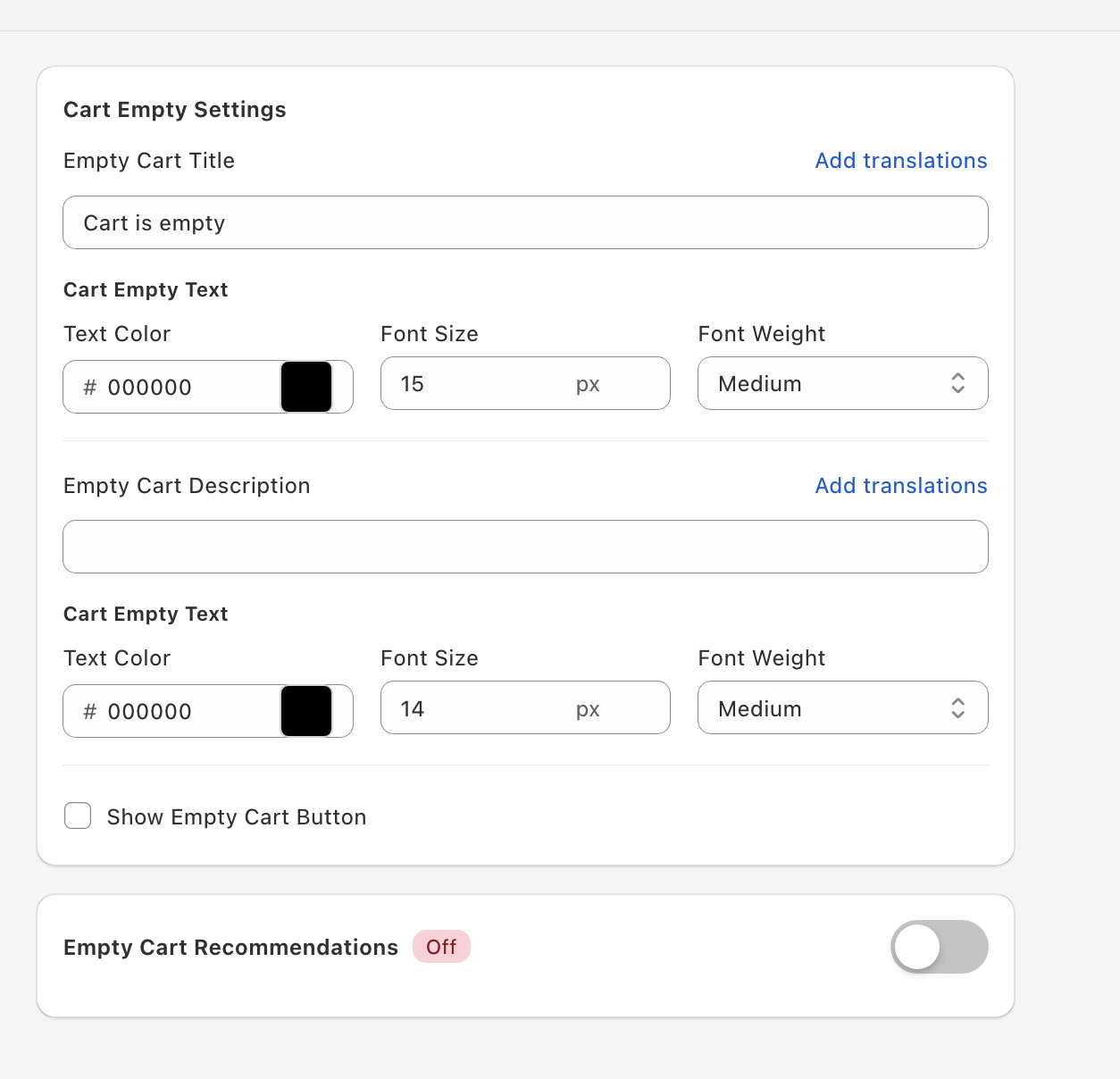
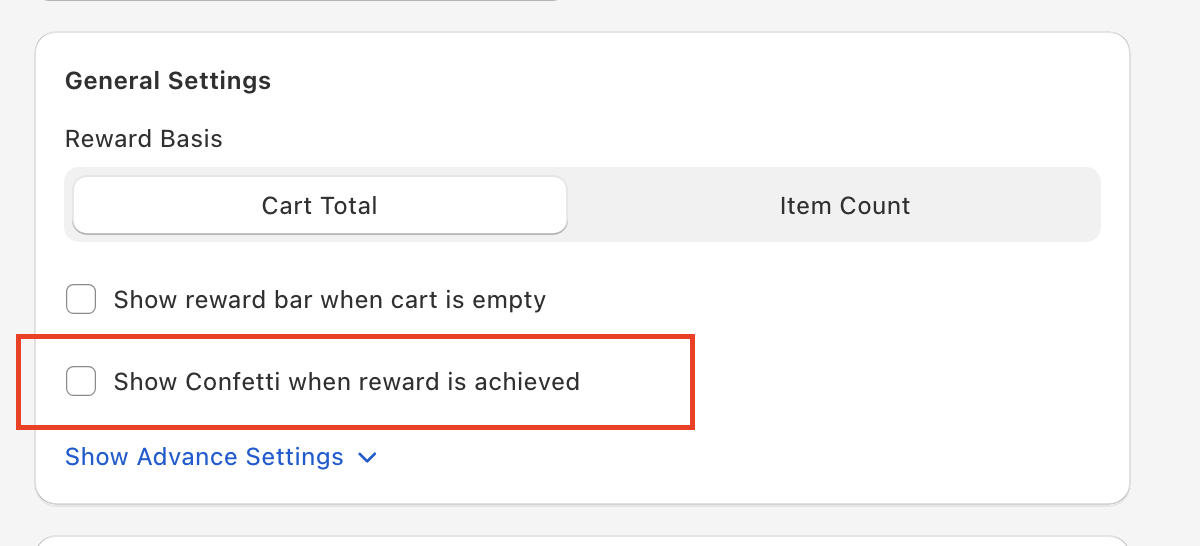
Show reward bar when cart is empty shows or hides the progress bar when the cart is empty. It's on by default. Some merchants show a teaser ("Add $50 to unlock free shipping") to nudge first-add behavior; others wait until the customer adds their first item.
Confetti
Show Confetti when reward is achieved is a single on / off switch for all rewards — there's no per-tier setting. It's off by default.
Gift position in cart
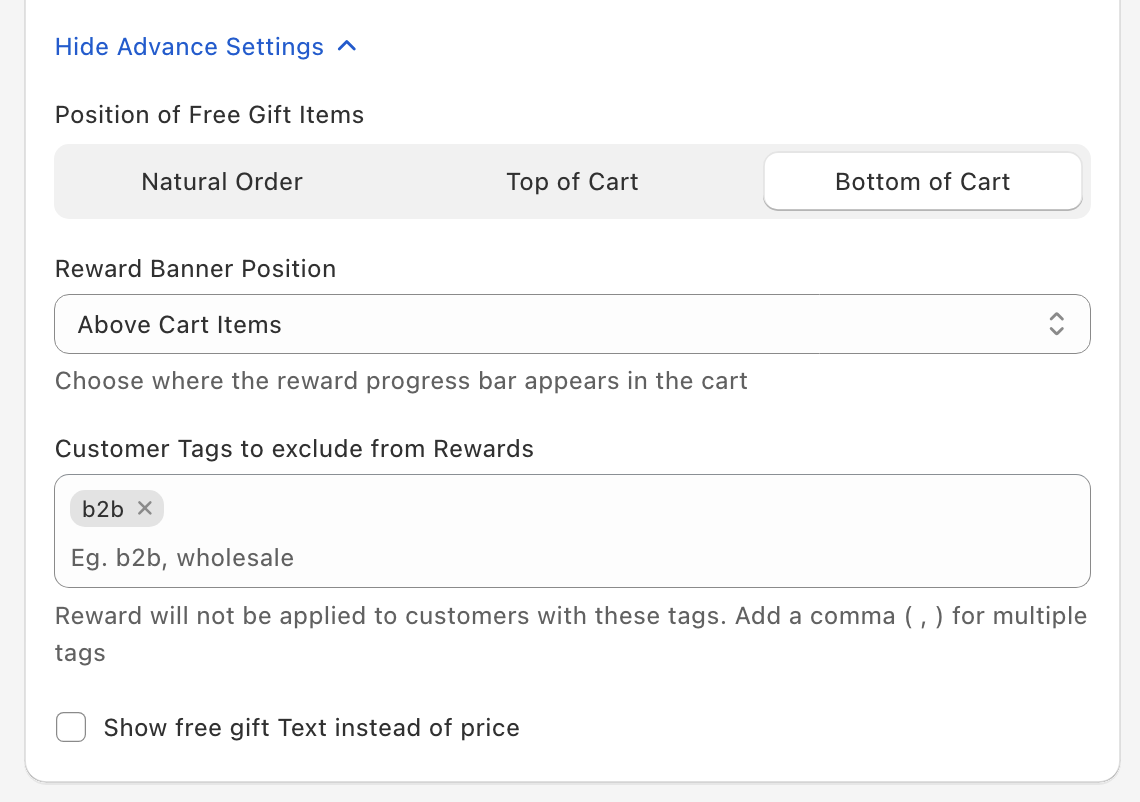
Advanced. Position of Free Gift Items controls where gift lines sit in the cart:
- Natural Order — The default. Gifts appear in the order they were added, mixed in with the regular items.
- Top of Cart — Above regular items, hardest to miss.
- Bottom of Cart — After regular items, near the totals.
Reward bar position
Advanced. Reward Banner Position chooses where the progress bar appears in the cart: Above Cart Items (the default), Below Cart Items, Under Upsells or Above Checkout Section.
Icons
With the With Icons style, each reward has its own icon — pick a built-in one or upload your own — and the Design card sets Reward Icon Color (Achieved) and Reward Icon Color (Unachieved). The Style 5 - Horizontal Milestones style shows a lock that turns into a check when a reward unlocks. See Progress bar setup for every style.
Free gift labels
Advanced. Show free gift Text instead of price replaces the price on gift lines with a label. Set its wording with Free Gift Component Text ("Free Gift" by default) and its look with Text Color, Font Size and Background Color.
Gift cards
The card that previews upcoming gifts (Show rewards to be achieved, for Free Gift Automatic rewards) and the gift picker (Free gift settings, for Free Gift Manual rewards) share a Rewards to be achieved card position setting: Above reward banner, Above Cart Items, Below Cart Items (the default) or At Absolute Bottom.