
Analytics & Reporting
Post-purchase analytics
Tracked events, dashboard metrics, and how to read post-purchase performance.
Tracked events
pp_offer_shown— Offer was rendered to the buyer.pp_offer_declined— Buyer declined or the timer expired.pp_offer_accepted— Buyer accepted and the item was added to the order (includes revenue and items).pp_offer_accept_failed— The buyer tried to accept but adding the item to the order failed. It is recorded separately and doesn't count as an acceptance.
Dashboard metrics
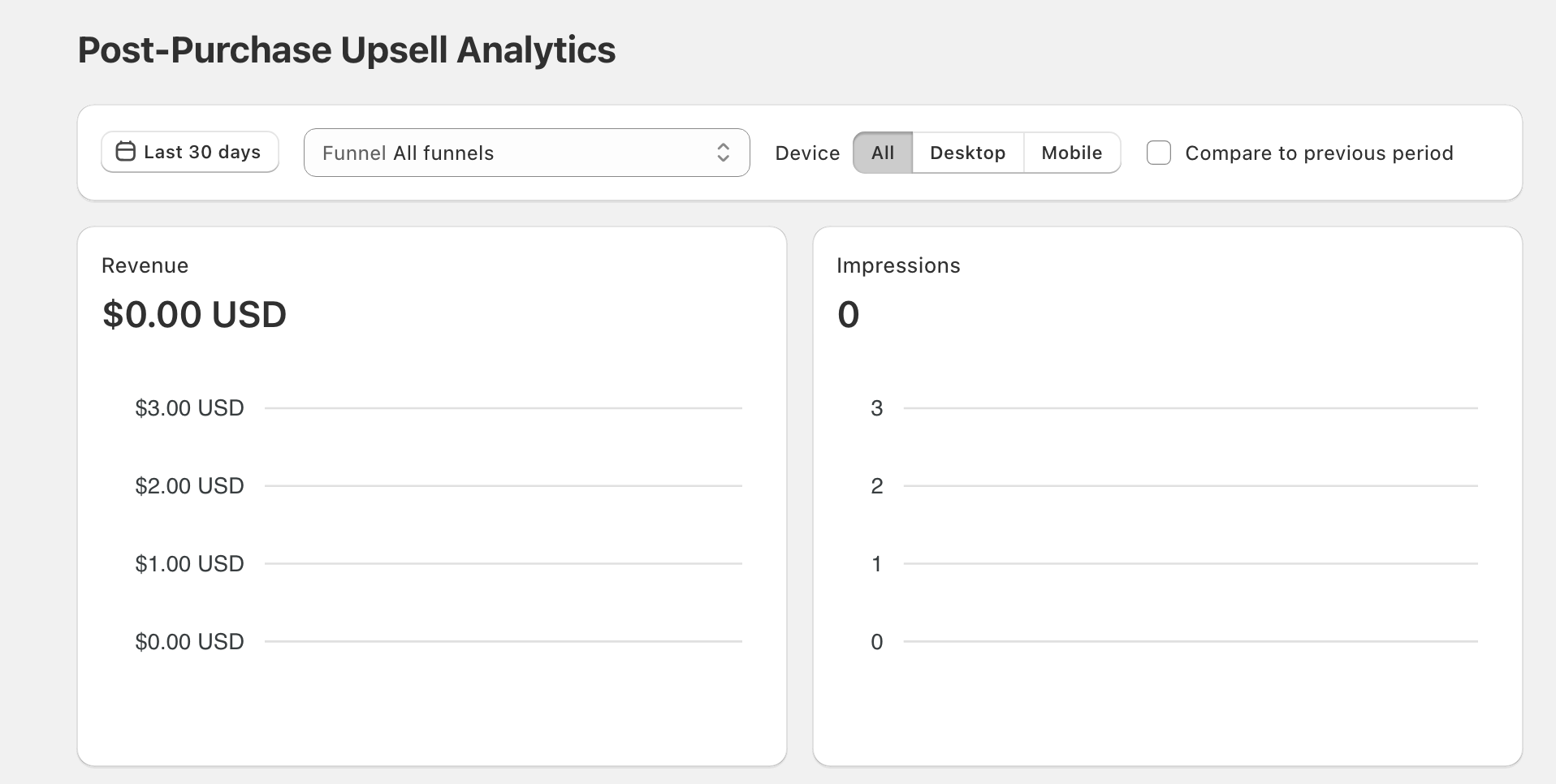
Shown on the Post-Purchase tab of Analytics (left menu):
- Revenue and upsold orders attributed to post-purchase
- Conversion rate (upsold orders ÷ impressions)
- Per-funnel breakdown — the Top performing funnels table shows which funnels are pulling weight
- Daily charts for trend analysis — every metric card has its own
Data freshness
There is no cache on this tab: each time you open it or change a filter, the numbers are read fresh. Impressions and accepted offers are recorded as they happen.
Performance impact
All analytics writes are fire-and-forget and never block the buyer. The post-purchase flow always feels fast, even when analytics infrastructure is slow.
Reading the funnel
- Low impressions — Triggers too restrictive, or the matching funnel's offers can't be shown (for example, the product is unavailable).
- Low conversion — Offer pricing/discount/wording isn't compelling.
- Downsell converts much better than its upsell — Compare the offer cards on the funnel's Upsells tab: the original upsell is probably wrong, and the downsell is the real winner.