
Geolocation targeting
Show the bar worldwide, or only to visitors in the countries you pick.
Geolocation targeting shows the bar based on where the visitor is. The app determines location from the visitor's IP address — there's nothing to set up beyond choosing the countries.
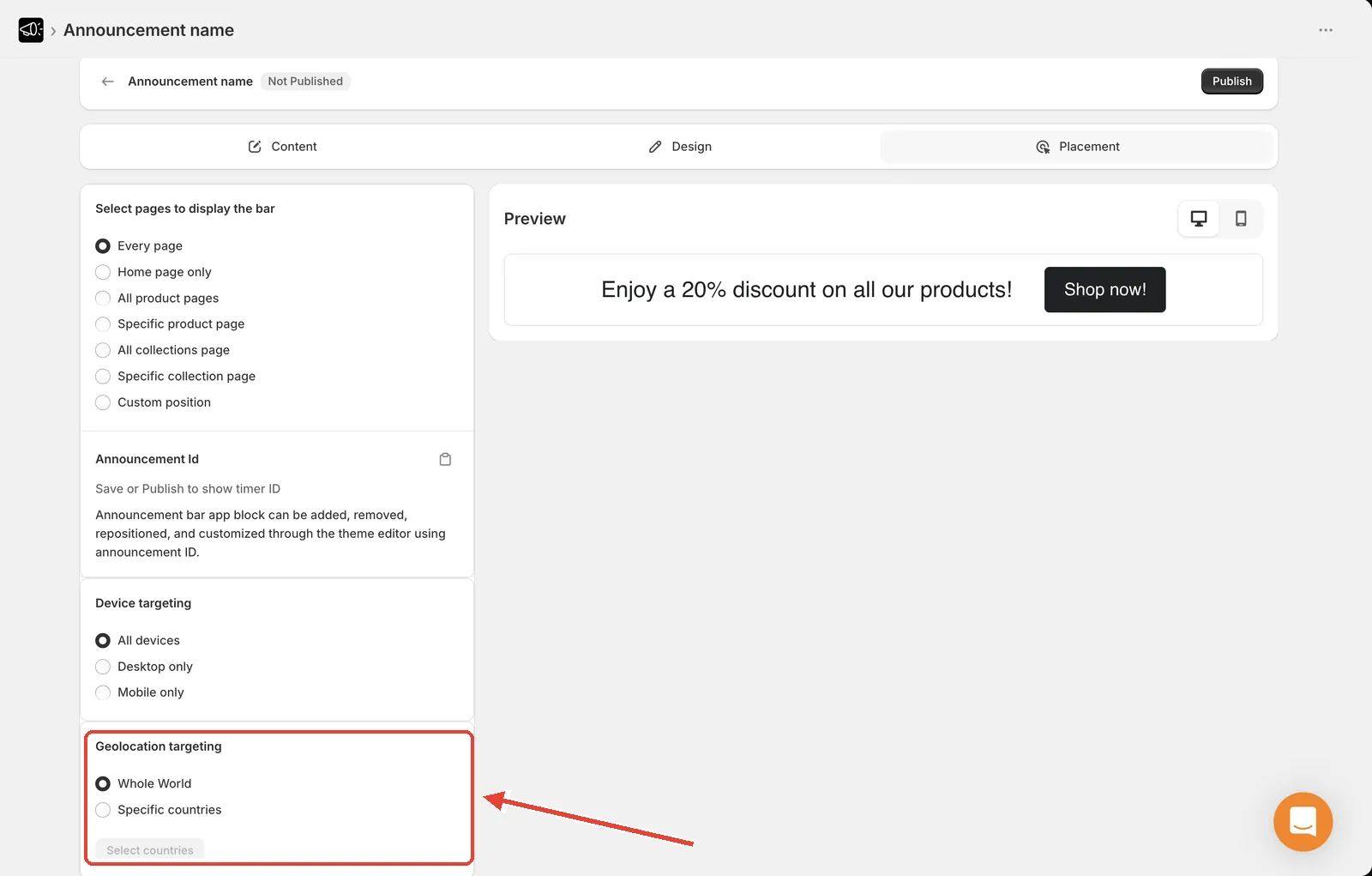
Show it worldwide
Open the announcement and go to the Placement tab.
In Geolocation targeting, select Whole World.
Click Save.
This is the default — every visitor sees the bar regardless of location.
Show it in specific countries
In Geolocation targeting, select Specific countries.
Click Select countries. A modal opens with the full country list.
Use Search for a country to find each one, and tick it.
Click Select to confirm.
Click Save.
Only visitors in those countries will see the bar.
Change the country list later
Return to the Placement tab.
Click Select countries.
Tick or untick countries.
Click Select, then Save.
Good uses
Free UK delivery on all orderstargeted at the United KingdomDuties and taxes included at checkoutfor EU visitors- A holiday promo timed to a national holiday, shown only in that country
- Region-specific shipping delays
Run several bars at once
Create one announcement per region and target each to its own countries. Every visitor gets the message relevant to them, and you don't have to write a compromise message that fits everyone.
Testing your own targeting
You'll only see a country-targeted bar if you're browsing from that country. If you're testing from elsewhere, temporarily set Whole World to confirm the bar works, then switch back.