
Device targeting
Show the bar only on desktop, only on mobile, or on everything.
Device targeting lets you show a bar to desktop visitors, mobile visitors, or both. The Device targeting card is on the Placement tab.
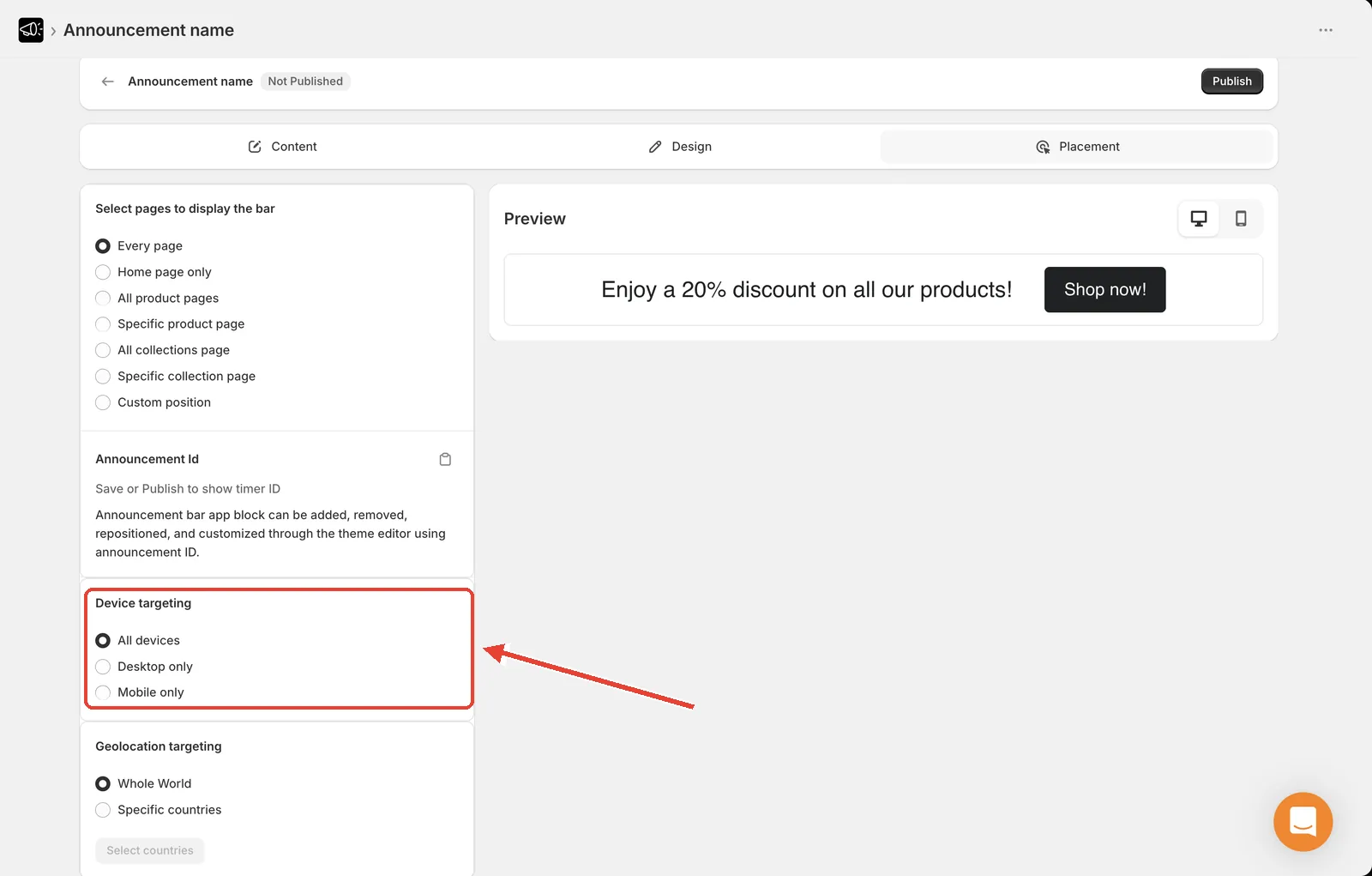
Set it
Open the announcement and go to the Placement tab.
Find the Device targeting card.
Choose All devices, Desktop only, or Mobile only.
Click Save.
The options
| Option | Who sees the bar |
|---|---|
| All devices | Everyone. The default. |
| Desktop only | Desktop and laptop visitors |
| Mobile only | Phone and tablet visitors |
When to restrict by device
Desktop only — for longer messages that don't fit comfortably on a phone, or when screen space on mobile is already tight.
Mobile only — for messages aimed at mobile behavior, like Tap to call us or an app download prompt.
All devices — for everything else. This is the right default.
Tip
Rather than hiding a bar from mobile, try setting a smaller mobile font size under Design → Typography. You keep the message and it still fits. See Typography.
Most storefront traffic is mobile. Setting Desktop only typically hides your message from the majority of your visitors — be sure that's what you want.